
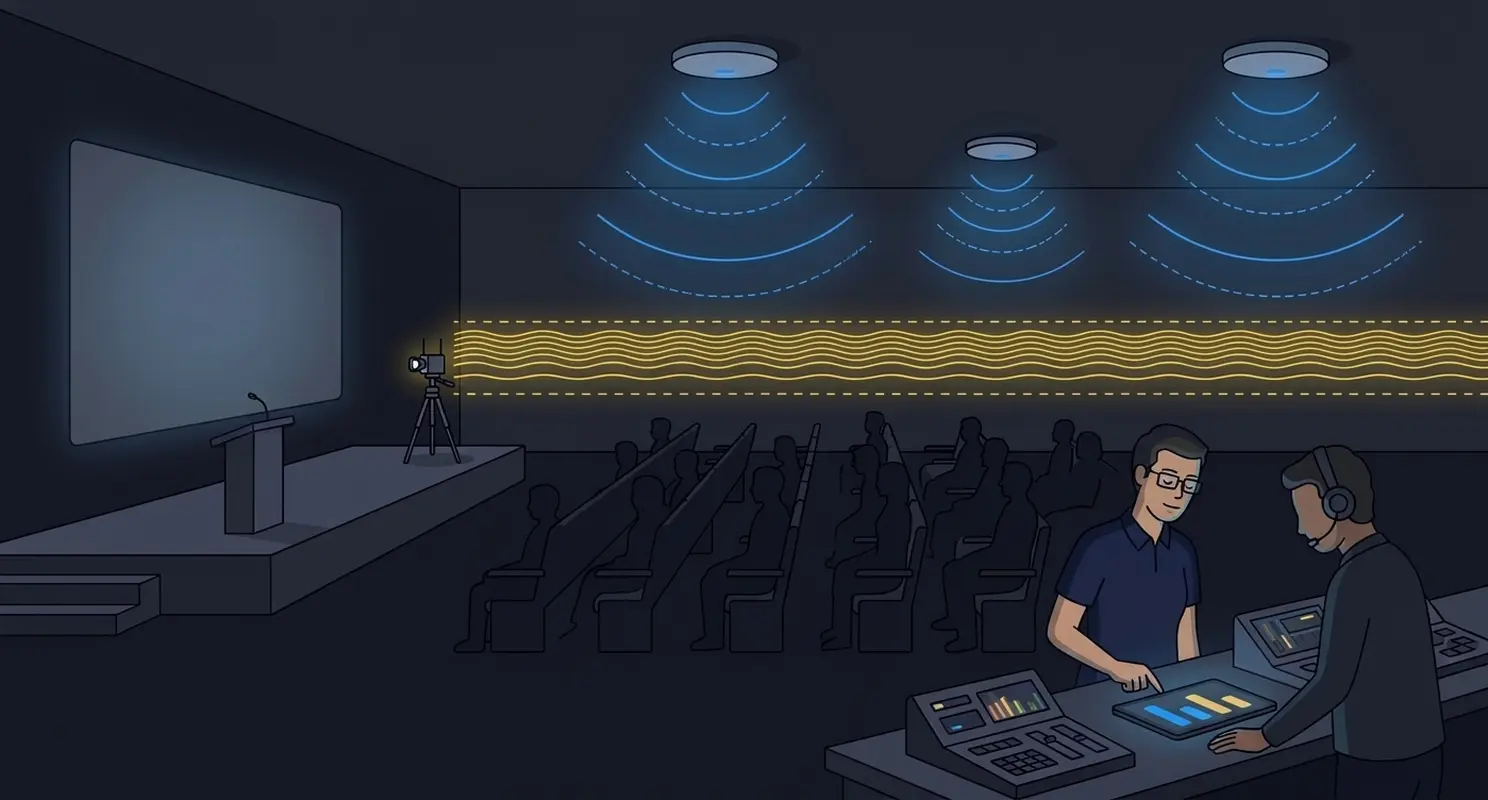

Spectrum management at an event is not an investigation you start one hour before the keynote. It is a plan you build before the doors open.
A large event puts more transmitters in one building than most enterprise networks see in a year. Wi-Fi is only one of them. Wireless video, microphones, cameras, production links, temporary networks and hundreds of personal hotspots all arrive for the same few days and share the same air.
On most events I support, each of these systems is planned well on its own. The Wi-Fi team has a channel plan. The AV team has a frequency plan. What is often missing is the moment where the two plans are put side by side.
When that moment never happens, coordination starts when interference appears. And interference tends to appear when the room is full, which means the most important session of the event becomes the test window.
Wi-Fi Is Not Alone in the Spectrum
When I walk into an event, I assume the Wi-Fi network will share its band with systems that nobody on the network team has seen yet. The usual suspects:
- Wireless video transmitters. Many of them operate in 5 GHz, the same band carrying most of your event Wi-Fi clients. That said, we are also seeing some on 6 GHz.
- Wireless microphones and cameras. They are part of the same production plan, run by the same team, and they appear and move on the same schedule as the video gear.
- Temporary networks. Production, registration, exhibitor and vendor demo networks often bring their own access points.
- Personal hotspots. Phones and travel routers, very often on 80 MHz channels in 5 GHz.
None of these systems are wrong to be there. The problem is that, without a shared plan, nobody knows which one is about to land on a channel the keynote audience depends on.
What It Looks Like in the Field
At a recent large conference, a wireless video system became visible in the 5 GHz spectrum shortly before the keynote. On another day of the same event, a similar transmitter was temporarily active around channels 100 and 104.
The Wi-Fi kept working. The spectrum was busy, but the network still performed. That is the honest part of the story: this was not an outage.
The same event showed how crowded 5 GHz gets beyond production gear. In a single spot check in one hallway, I heard 17 network names that were not on the approved list, across 27 radios. Several were personal hotspots and travel routers, most of them on 80 MHz channels, and one was a temporary production network running 10 radios.
The lesson is not that AV equipment is inherently bad. It is that each of these systems was managed on its own, and the first time anyone looked at all of them together was in the spectrum analyzer, hours before the most important session.
Coordinate Before Rehearsals, Not During the Keynote
Rehearsals are usually the first time every system runs in the room at the same time. That is the moment you want the plan already in place, not the moment you discover you need one.
Two things have to be agreed before the first rehearsal:
- Protected channels. Decide which Wi-Fi channels and which production frequencies are reserved for critical systems in each main room, and write them down. If a wireless video system has to live in 5 GHz, give it a block that the Wi-Fi channel plan avoids in that room. The end of UNII-3 is usually a good option for these systems as it only half-overlaps with the frequencies used by Wi-Fi.
- Escalation contacts. One name and one phone number on each side, for each room and each shift. When something new appears in the spectrum, you should know within a minute who owns it and who can change it.
This is a short conversation between the Wi-Fi and AV teams. It is much shorter than the one you will have during the keynote if it never happens.
How I Plan Spectrum for an Event
- Inventory every RF-dependent system before doors open. Production, video, cameras, temporary networks, exhibitor gear. If it transmits, it goes on the list.
- Document how each system uses the spectrum. Frequencies, channel widths, power levels, locations and operating windows. The operating window matters: a transmitter used only during a two-hour session is a very different problem from one running all week.
- Coordinate the Wi-Fi and AV plans as one plan. Put both frequency plans side by side, room by room, and resolve overlaps on paper.
- Establish protected channels and escalation contacts before rehearsals. Agreed, written down and shared with everyone on shift.
- Baseline the spectrum during setup, rehearsal and live operation. Setup shows the empty room, rehearsal shows production running, and live operation shows the crowd and its hotspots. Comparing the three tells you what changed and when.
- Keep a change log for temporary equipment. A booth access point added on day two, a replacement transmitter, a camera link moved to another room. Every change after the plan is written goes in the log.
None of this removes interference entirely. Personal hotspots will appear no matter how good the plan is, and a busy spectrum is not automatically a broken network. The goal is that when something new shows up, you already know whether it belongs, who owns it, and what to do about it.