
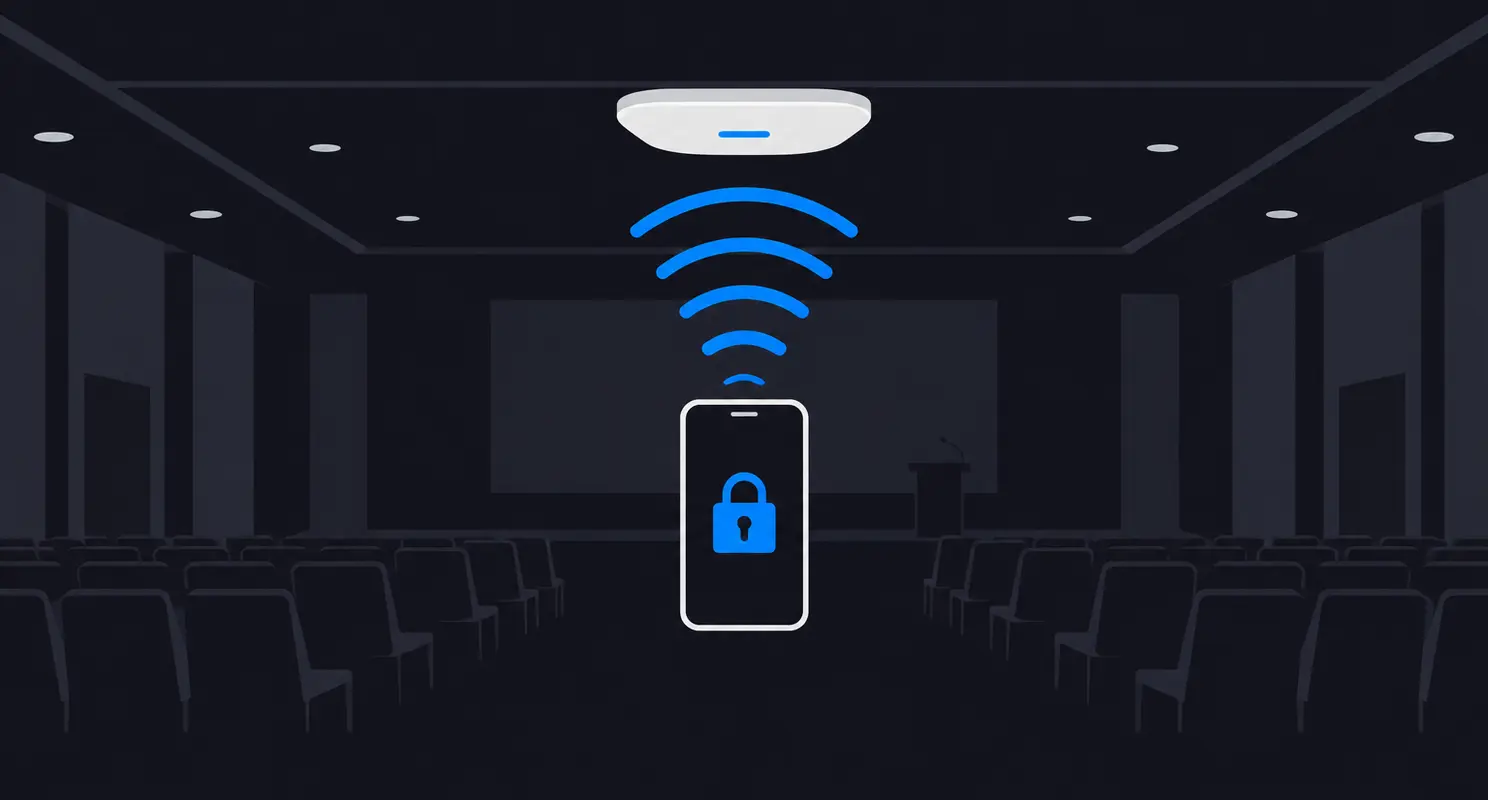

The event Wi-Fi was working, but some users were on the wrong network. Moving them to the intended event SSID resolved the reported issue.
The network measurements in that space were within target. The people experiencing slow service had connected to the attendee network instead of the dedicated event network.
That distinction matters. A healthy Wi-Fi network does not help much if the people who need it are connected somewhere else.
We often ask users to choose from a list of SSIDs and expect them to know which network serves their role. At a large event, that choice can be confusing when several networks are available.
The Network Name Is Part of the User Experience
The right SSID is not always obvious when a venue has separate networks for attendees, production teams, exhibitors and event staff. Each may have a valid purpose, but the person opening Wi-Fi settings cannot necessarily see those differences.
In this case, moving the affected users to the intended event network resolved the issue. The lesson is not that the attendee network was broken. It is that a user can have a poor experience before the intended network gets a chance to serve them.
Some event organizers create QR codes and place them throughout the venue or at the back of the attendee badges. That can facilitate the connection to the proper SSID.
OpenRoaming offers another way to approach part of that problem. Rather than relying only on a person to recognize a network name, it lets a compatible, provisioned device identify and authenticate to an eligible participating network automatically.
What Passpoint and OpenRoaming Each Do
Passpoint is the Wi-Fi Alliance technology used for network discovery, selection and secure access. A device with a suitable Passpoint profile can compare the information a network advertises with its provisioned credentials and policy.
OpenRoaming is the Wireless Broadband Alliance federation built on Passpoint. It provides a framework for participating Wi-Fi network providers and identity providers to work together, so an eligible credential can be used across participating networks under their applicable policies.
A useful way to think about it is this: Passpoint gives the device a way to discover and join an eligible network. OpenRoaming supplies the federation that helps participating organizations extend that access beyond a single provider relationship.
The experience can feel closer to cellular connectivity: you arrive in a participating venue and, when the device and credential are eligible, the connection can happen without selecting an SSID or entering a password at that venue. It is still Wi-Fi, and the result depends on the device, its profile and the network policies.
What Happens When a Device Connects
- Provisioning. The device needs a compatible Passpoint profile and an eligible credential from an identity provider. Depending on the device and provider, that profile may already be available or may need to be installed or activated. For event organizers, an attendee app can simplify onboarding by helping users install a Passpoint profile with the required credentials, such as a certificate.
- Discovery and selection. The device discovers Passpoint-capable networks and can use Access Network Query Protocol (ANQP) information, such as roaming consortium identifiers and identity-provider realms, to check for a match. Its own selection policy and user preferences also matter.
- Authentication. After association, the device uses 802.1X and an appropriate Extensible Authentication Protocol (EAP) method. The access network routes the authentication exchange to the relevant identity provider, which authenticates the credential.
- Protected access. A properly configured Passpoint deployment uses enterprise Wi-Fi security to protect the wireless link. OpenRoaming also uses secure interconnections between federation participants; neither protection replaces application-layer security across the internet.
The SSID has not disappeared. It is still part of the Wi-Fi network. The difference is that an eligible device can make a selection using information and credentials it already has, rather than requiring the user to recognize the right name.
How I Would Evaluate It for an Event
OpenRoaming is worth evaluating when a venue or event wants to reduce repeated guest onboarding friction across a population likely to have eligible credentials. I would start with the user groups and the access each group actually needs, not with the feature checkbox.
- Map the access requirements. Identify which users need general internet access and which need a dedicated event or production network. Decide how each group will receive the appropriate access and isolation after authentication.
- Check credential coverage. Identify the identity providers and devices your audience actually uses. Confirm that their profiles, credentials and federation policies are compatible with the planned service.
- Design the network and trust path. Confirm Passpoint support, advertised discovery information, enterprise security, authentication routing, federation participation and the applicable access policies with the network and identity providers.
- Test the real connection journey. Use representative devices and credentials. Check initial provisioning, network selection, authentication, the access and segmentation users receive, and what happens when a device has another saved network.
- Keep a fallback. Provide a clear alternative for devices without a compatible or active profile, users who cannot authenticate, and situations where the federation or identity service is unavailable.
Automatic connection does not guarantee that every device will choose the intended network, or that every authenticated user will receive the same access. It does not fix RF coverage, capacity or an upstream issue either. Those still need to be designed and validated. OpenRoaming can also bring more devices onto the Wi-Fi network, making coverage and capacity planning even more important.
For the incident I described, moving users to the correct SSID was the fix.
Resources
These references explain the federation and the underlying Wi-Fi mechanisms in more detail.
- WBA OpenRoaming Introduction Guide, Wireless Broadband Alliance. Start here for the distinction between Passpoint and OpenRoaming, federation roles, credentials and a deployment overview. The guide also discusses adoption considerations and includes examples of onboarding flows.
- Passpoint Deployment and Implementation Guidelines, Rev 1.4, Wi-Fi Alliance. Read this for the technical detail behind discovery, ANQP, provisioning, authentication, security and device selection policy. It also discusses information that may be exposed during the connection process.
- How Does WBA OpenRoaming Work?, Wireless Broadband Alliance. This is a concise overview of the federation, its policy and security components, and the steps for organizations getting started.
- OpenRoaming Profile Sign Up, Wireless Broadband Alliance. Use this page to find profile provisioning options, device setup guides and participating identity providers; it also links to the WBA OpenRoaming provisioning portal for creating an account and installing a profile. WBA says its profiles are offered exclusively for demonstration purposes and for onsite use at Wireless Global Congress events.