Wi-Fi Design
Complex environments punish assumptions. We model your building, verify it on site with AP-on-a-stick, then hand your installer a design they can build without guessing.
What it covers
- 1. Requirements workshop — we document applications, critical client devices, density, mobility needs, the state of the existing network and the building's limitations. Documented and validated by both parties before design work starts.
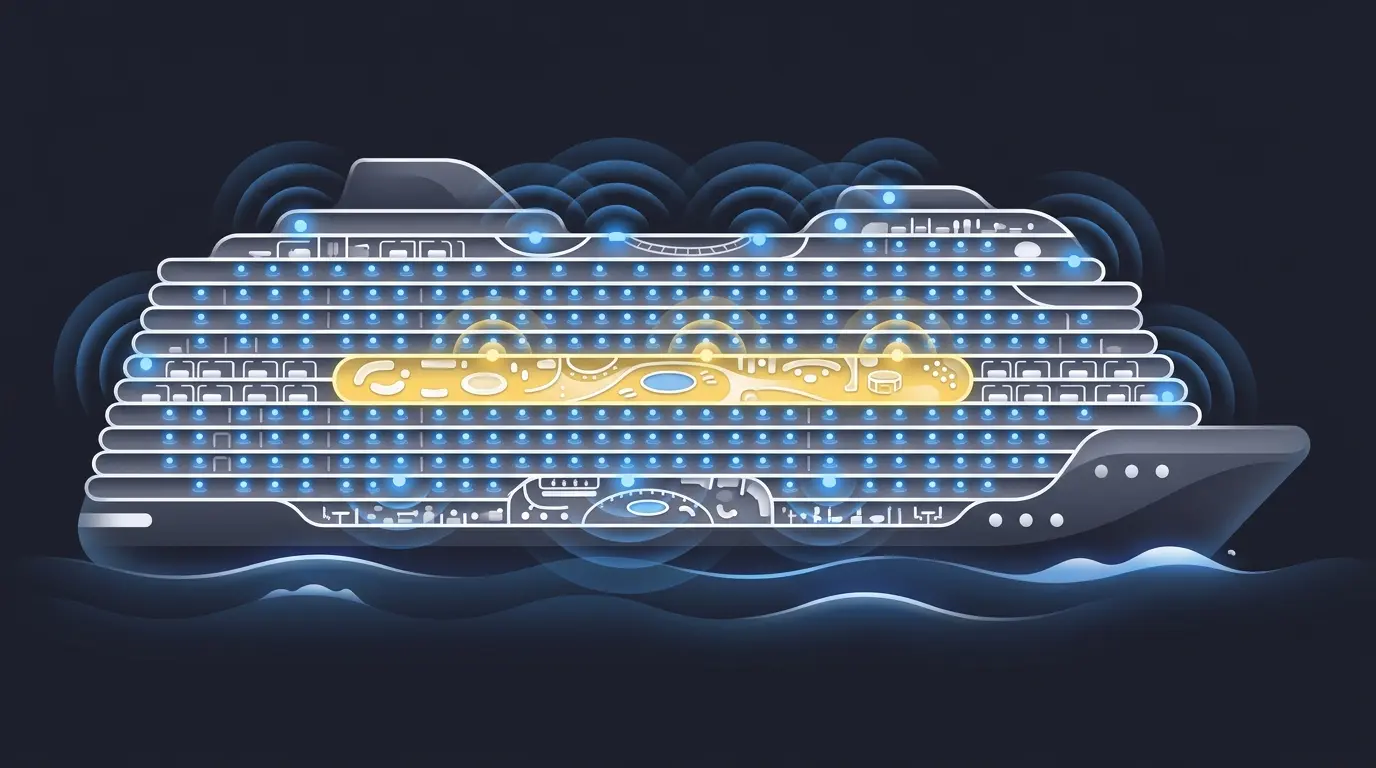
- 2. Predictive design — full RF model in Ekahau or Hamina with real material properties, predicting propagation at 2.4, 5 and 6 GHz. AP and antenna selection, placement, mounting strategy, channel and power plan.
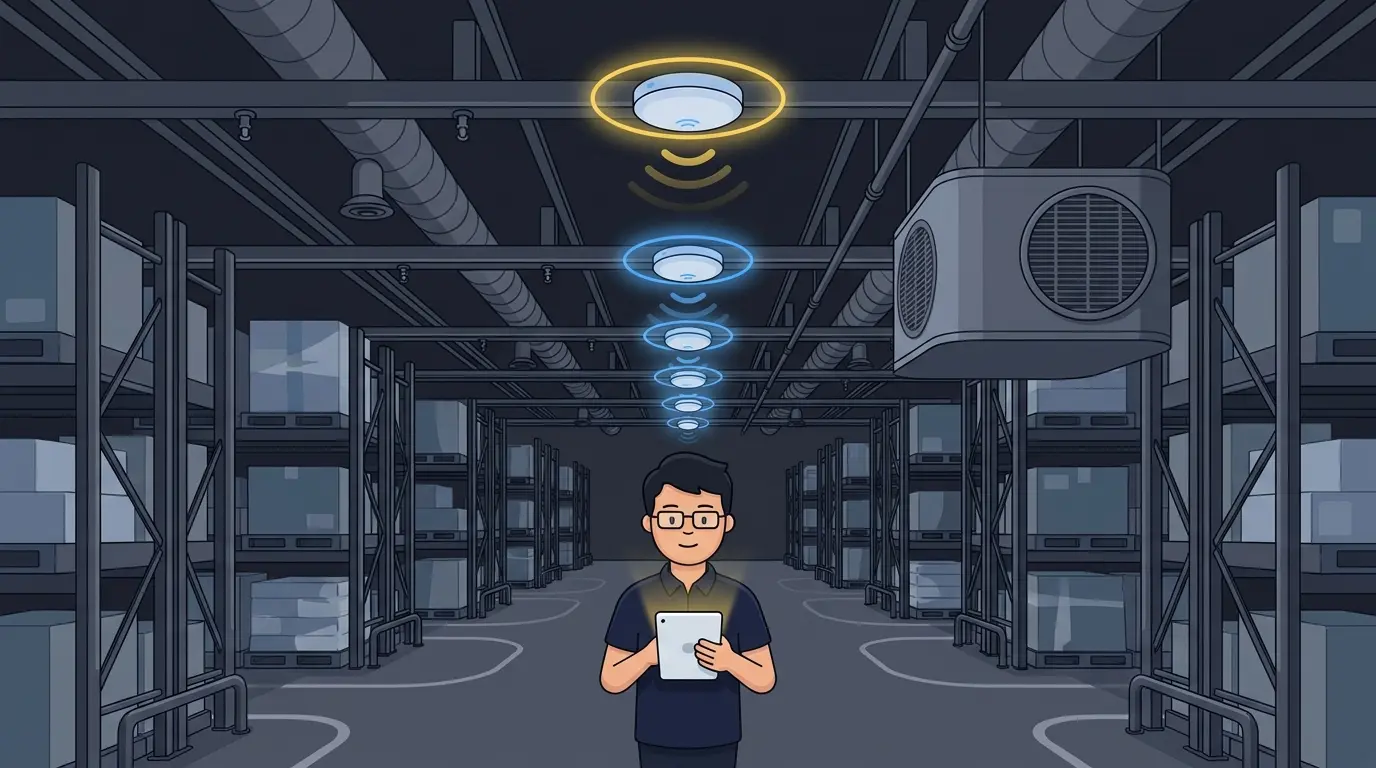
- 3. On-site measurements (APoS) — AP-on-a-stick measurements in the key areas, using the actual APs and antennas, then the model is adjusted to match the real building.
- 4. Design review — we walk the design through with your team and adjust for cabling, mounting reality and aesthetics.
- 5. Documentation — everything written down: design report, heat maps, AP locations, bill of materials, installation specifications.
- 6. Design presentation — we present the final design and the reasoning behind every decision, and answer your team's questions live.
What you get
- Design report (PDF or HTML) — requirements, assumptions, results and the reasoning behind every decision.
- Predictive heat maps — coverage (primary RSSI), cell overlap (secondary RSSI), signal quality (SNR) and co-channel interference.
- AP and antenna schedule — per AP: model, antenna, mounting height, orientation and location.
- AP location plans (PDF) — new AP locations placed on your floor plans, ready for the installer.
- Bill of materials — spreadsheet of every item to purchase: APs, antennas, mounts, accessories, quantities.
- Installation specifications — the document your installers work from, plus the recommended AP radio and RF configuration.
- Source project file — your Ekahau or Hamina project, including MDF/IDF locations and installation details. You keep it and reuse it.
Is it for you?
- A new building, campus, plant or venue where Wi-Fi has to work on day one
- A refresh where the existing network was never designed, only installed
- A vendor AP count nobody can explain or defend
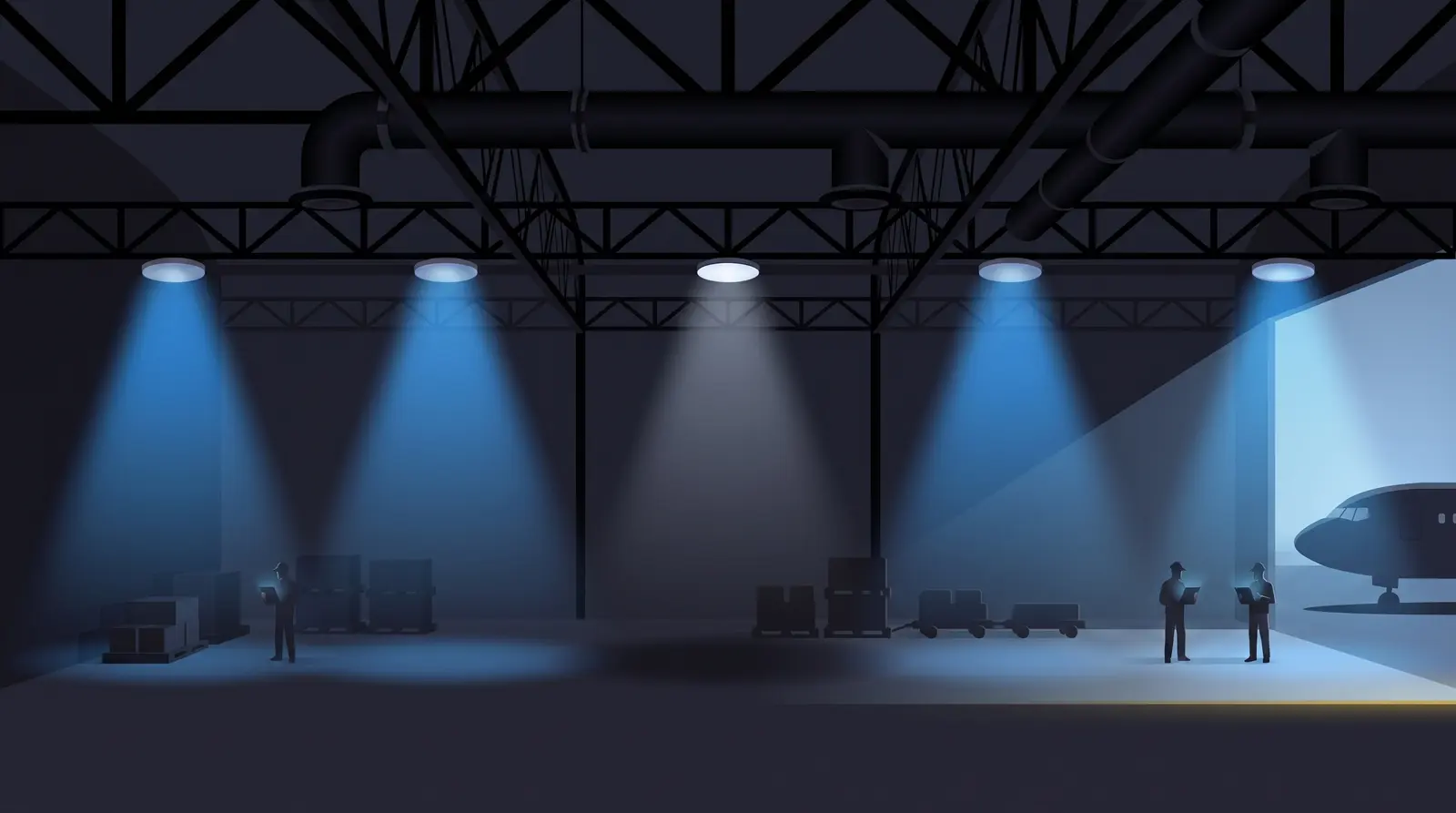
- Hard RF environment: high ceilings, metal, glass, dense seating, outdoor coverage