
Blog
Field notes on complex Wi-Fi.
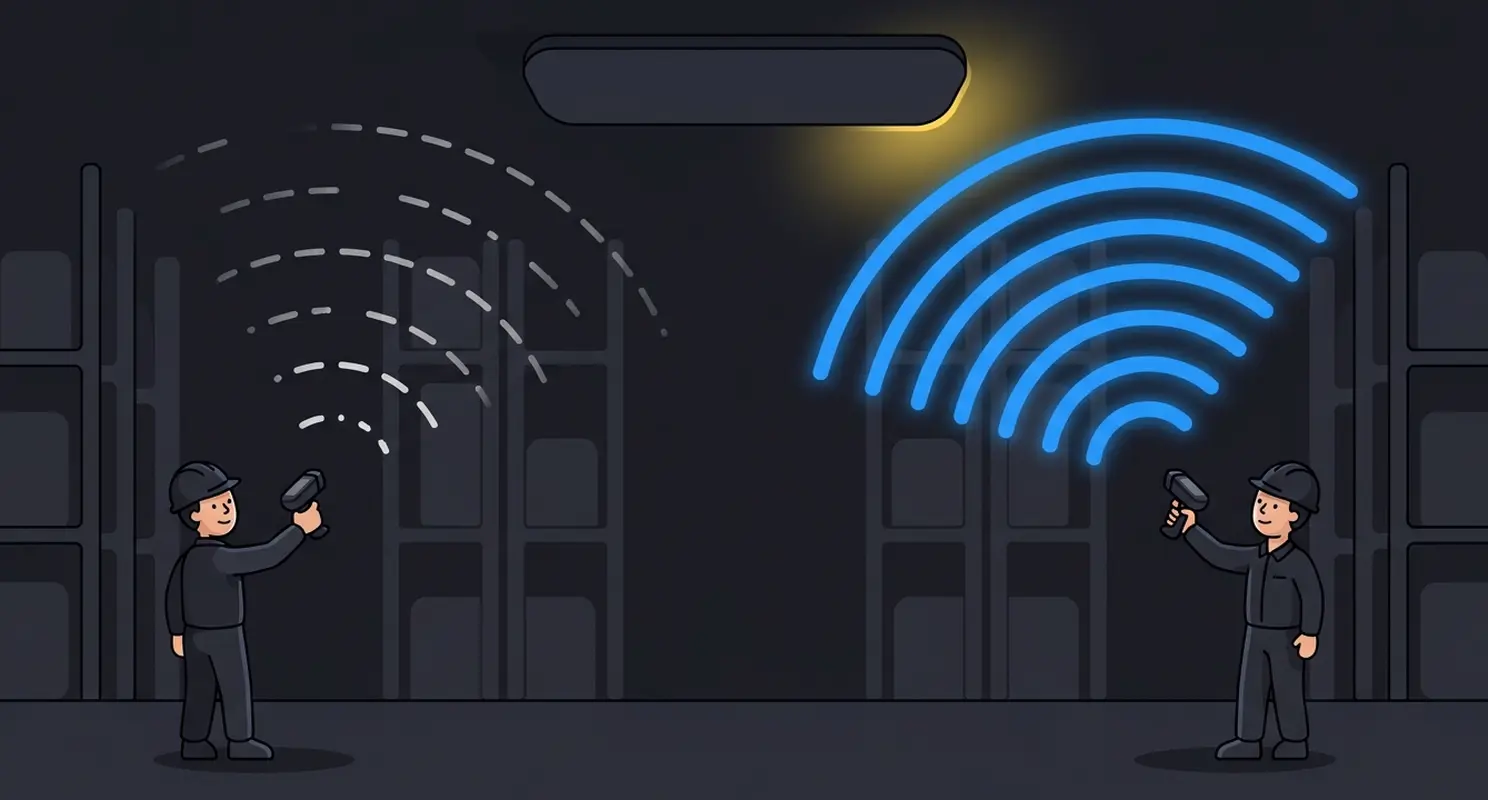
Standard Power on 6 GHz: The Biggest Challenge in Today's Enterprise Wi-Fi
Last week, I explained why we now run 6 GHz LPI a little hotter than 5 GHz. The obvious next question, which I get asked a lot in the field, is whether Standard Power makes all of that unnecessary.
François Vergès, CWNE #1807 min read
119 posts
Most recent first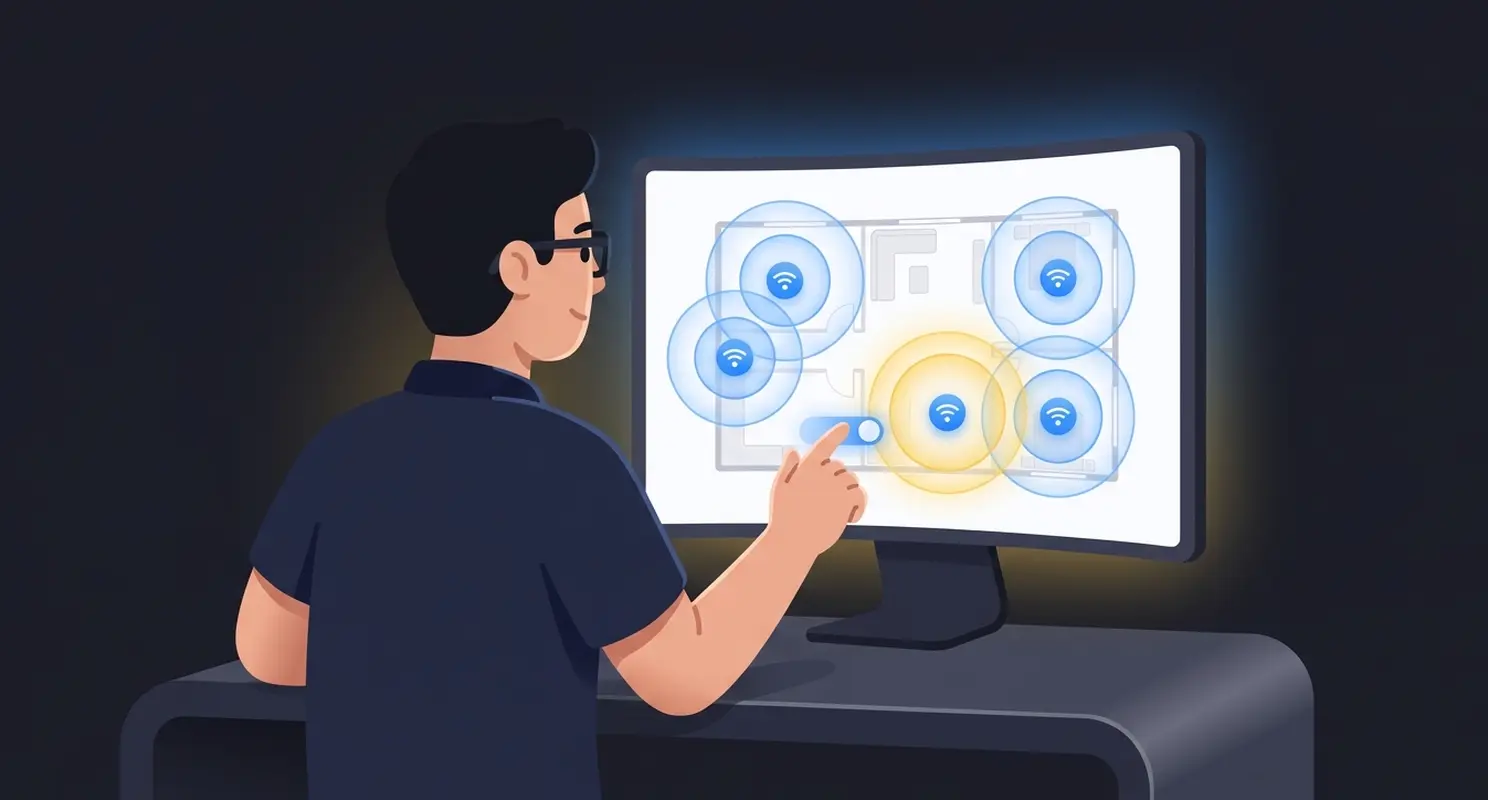
6 GHz Transmit Power: Time for Updated Best Practices
Over the last couple of years, I have watched 6 GHz cells come in short at validation on designs I was confident in.
François Vergès, CWNE #18010 min read
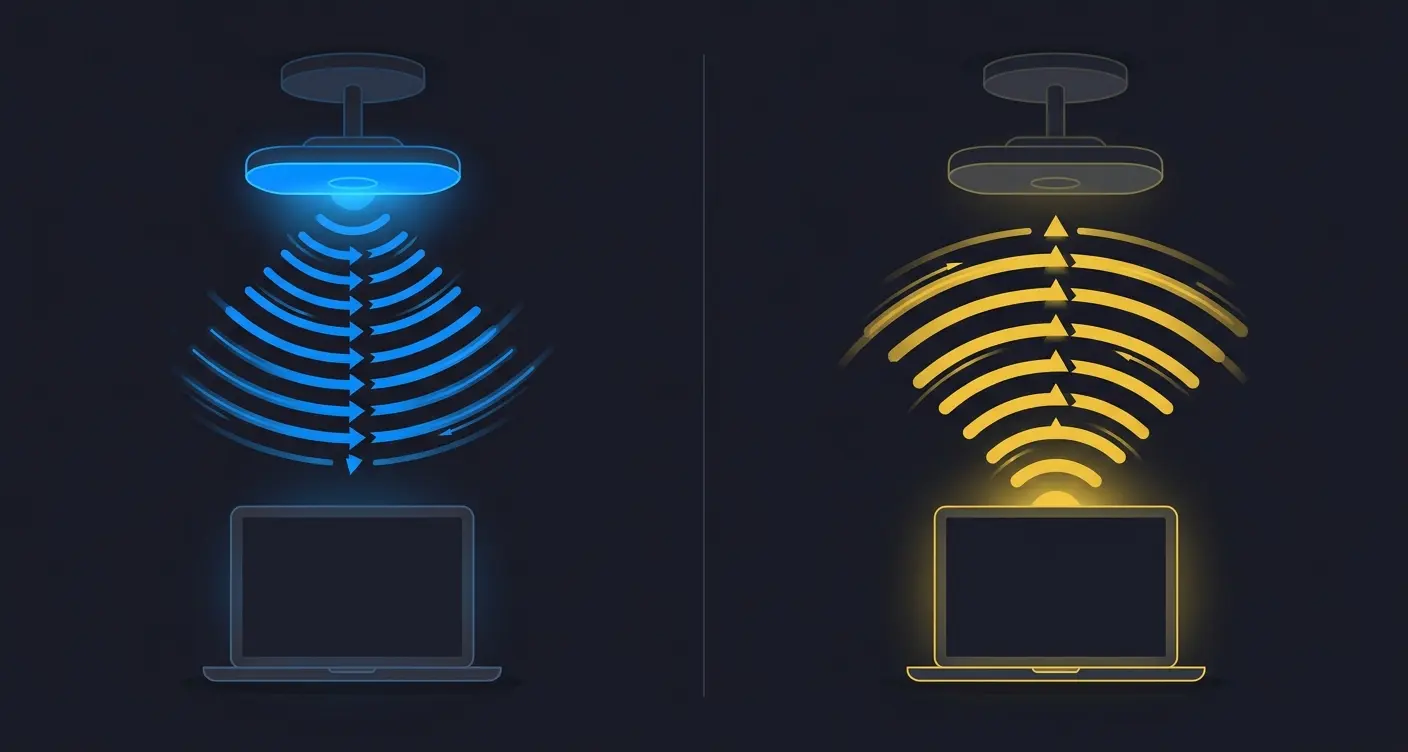
Wi-Fi Data Rates Are Not Negotiated
PHY data rates are not negociated between the client and the access point. For most transmissions, the device sending the frame selects a rate based on what it believes the RF link can support at that moment.
François Vergès, CWNE #1805 min read
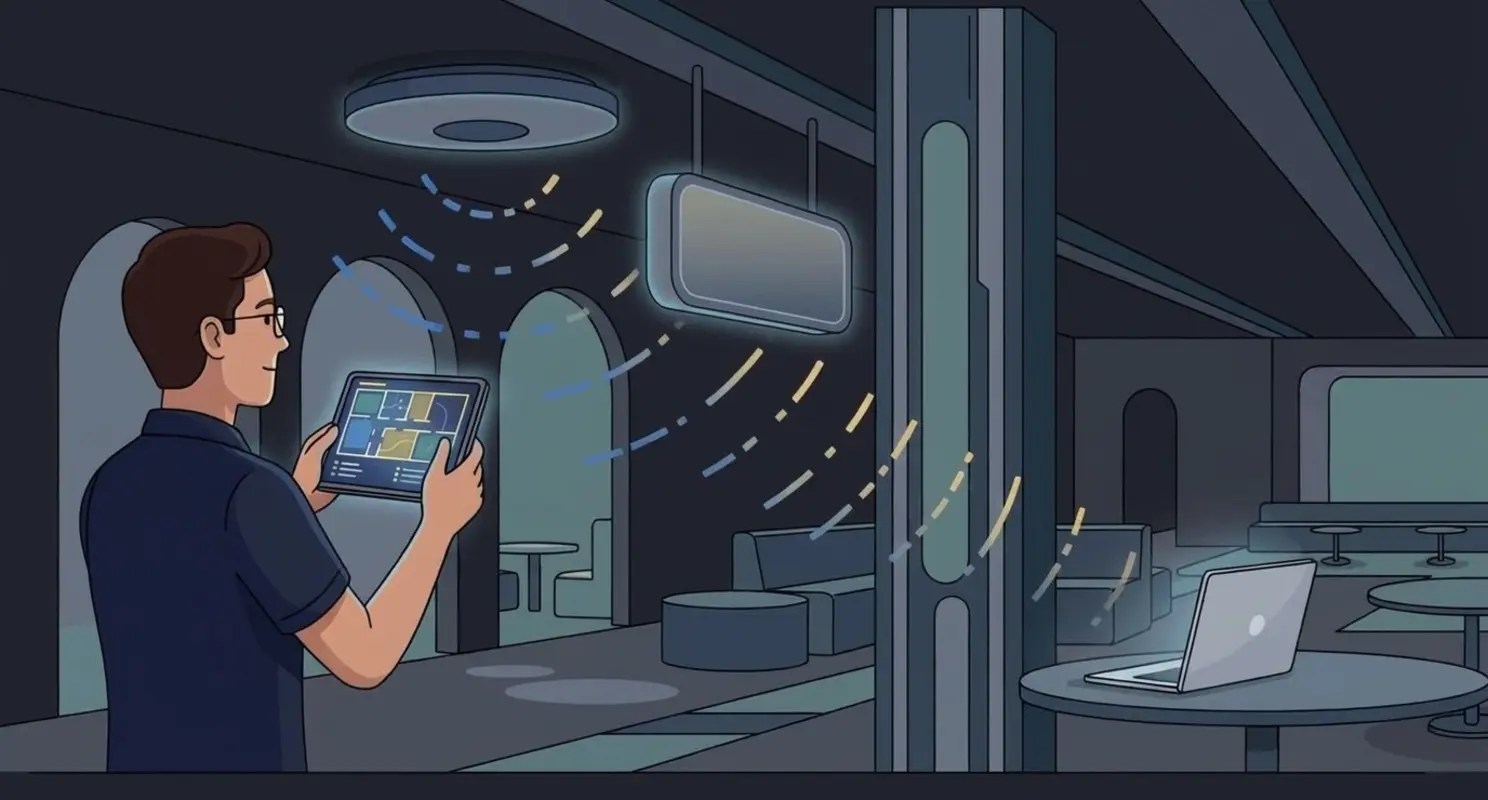
When the Wi-Fi Design Is Right but the AP Installation Is Wrong
A predictive Wi-Fi design can be completely correct and still fail after installation.
François Vergès, CWNE #1803 min read
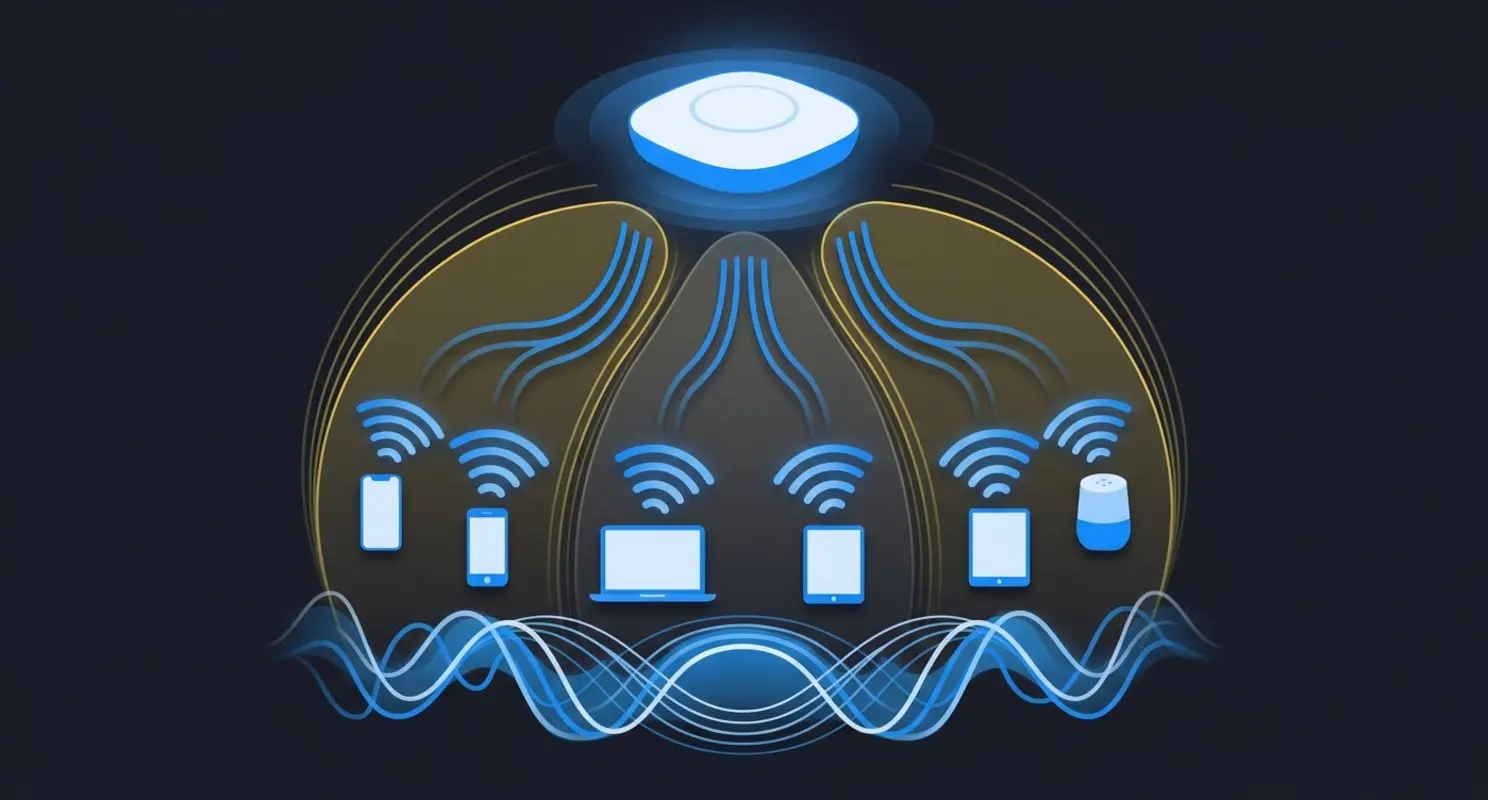
What RTS/CTS Does Today
RTS/CTS is often taught as a solution to the hidden-node problem. That is still true, but it is only one part of what these control frames do in a modern Wi-Fi network.
François Vergès, CWNE #1806 min read
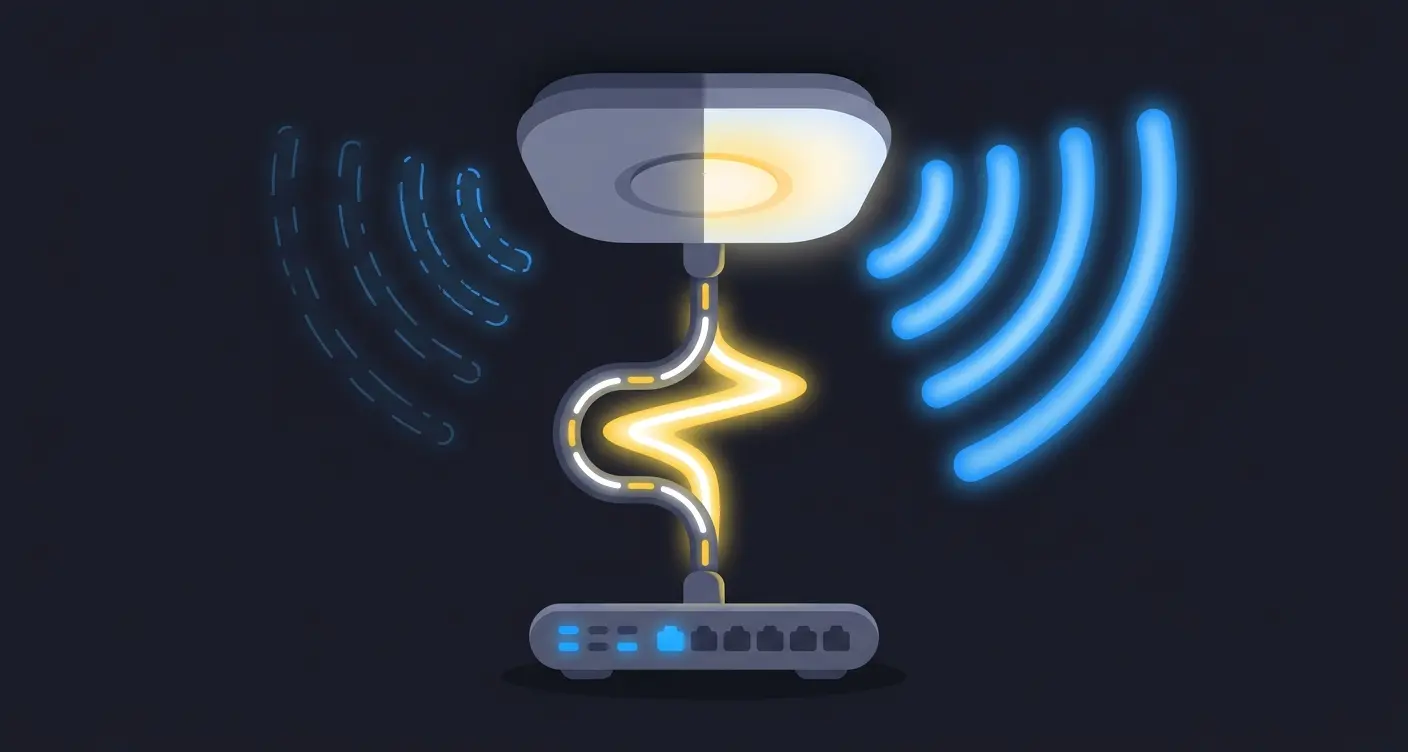
PoE for Wi-Fi Explained
PoE is one of those topics everyone assumes is solved. You plug the access point in, it powers up, the survey looks fine, and the project moves on. Then someone measures two spatial streams on a 4x4 access point, or notices that the 6 GHz radio never came up, and the investigation ends at the switch.
François Vergès, CWNE #1806 min read
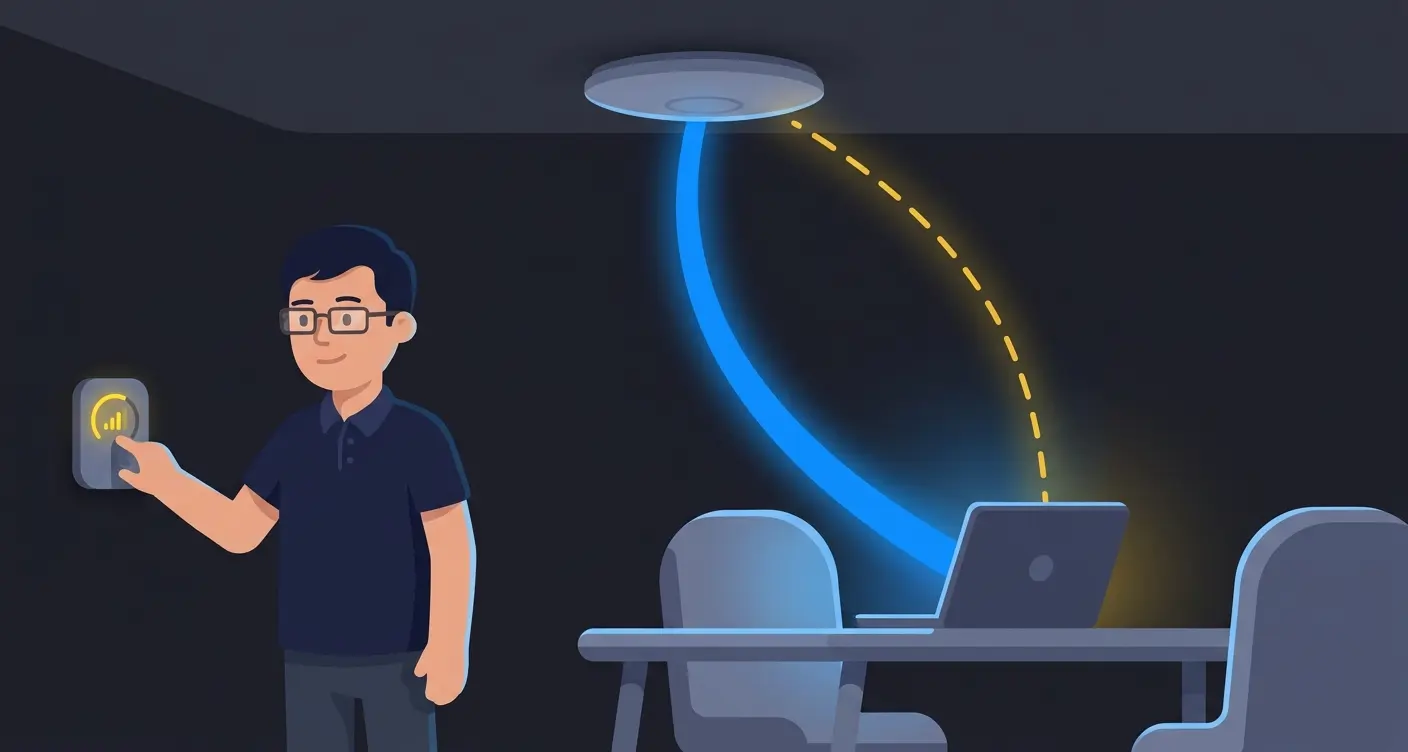
Why More Transmit Power Does Not Mean Better Wi-Fi
I get this question in almost every deployment: why not just run every access point at maximum transmit power?
François Vergès, CWNE #1804 min read
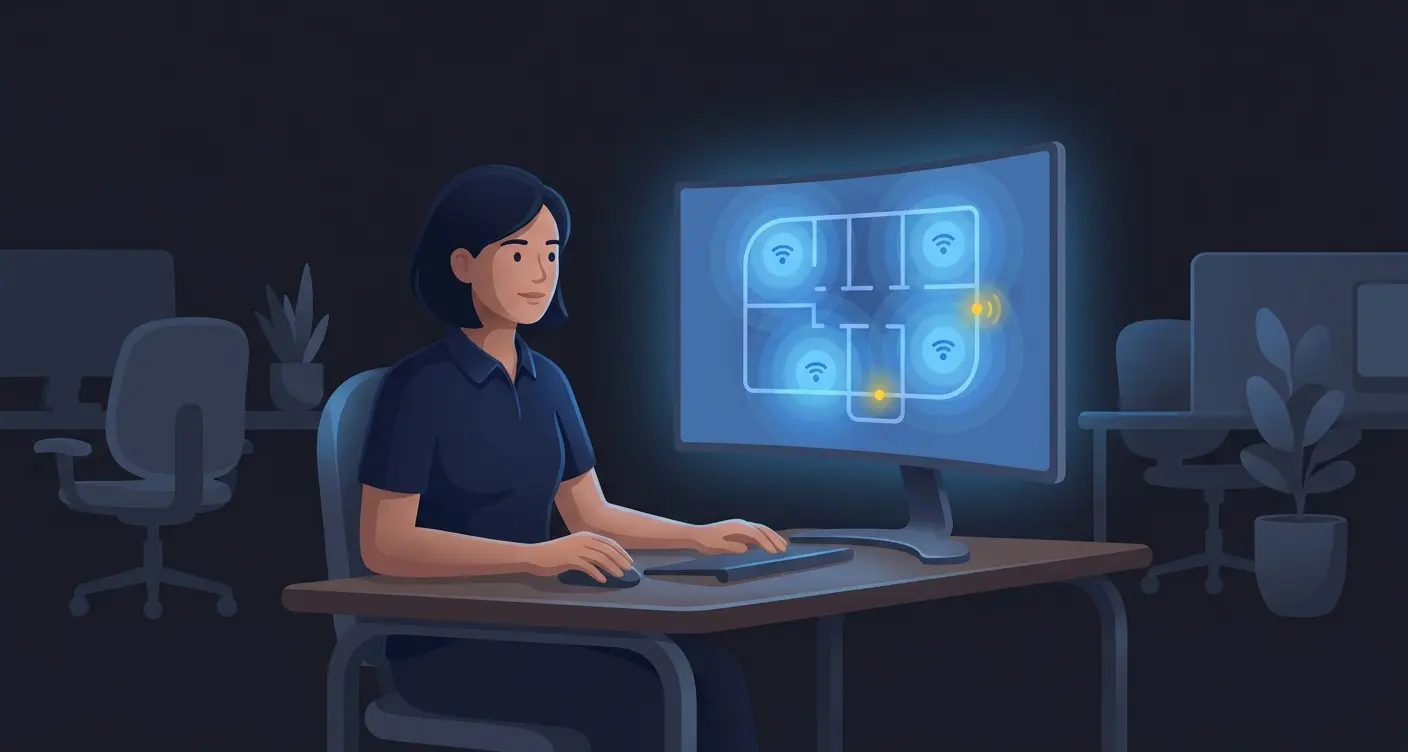
MIMO Gain: The Part We Forget When We Set Transmit Power
Last week I wrote about the difference between a 2x2:2 and a 4x4:4 access point. The discussion that followed was more interesting than the article itself, as often!
François Vergès, CWNE #1807 min read
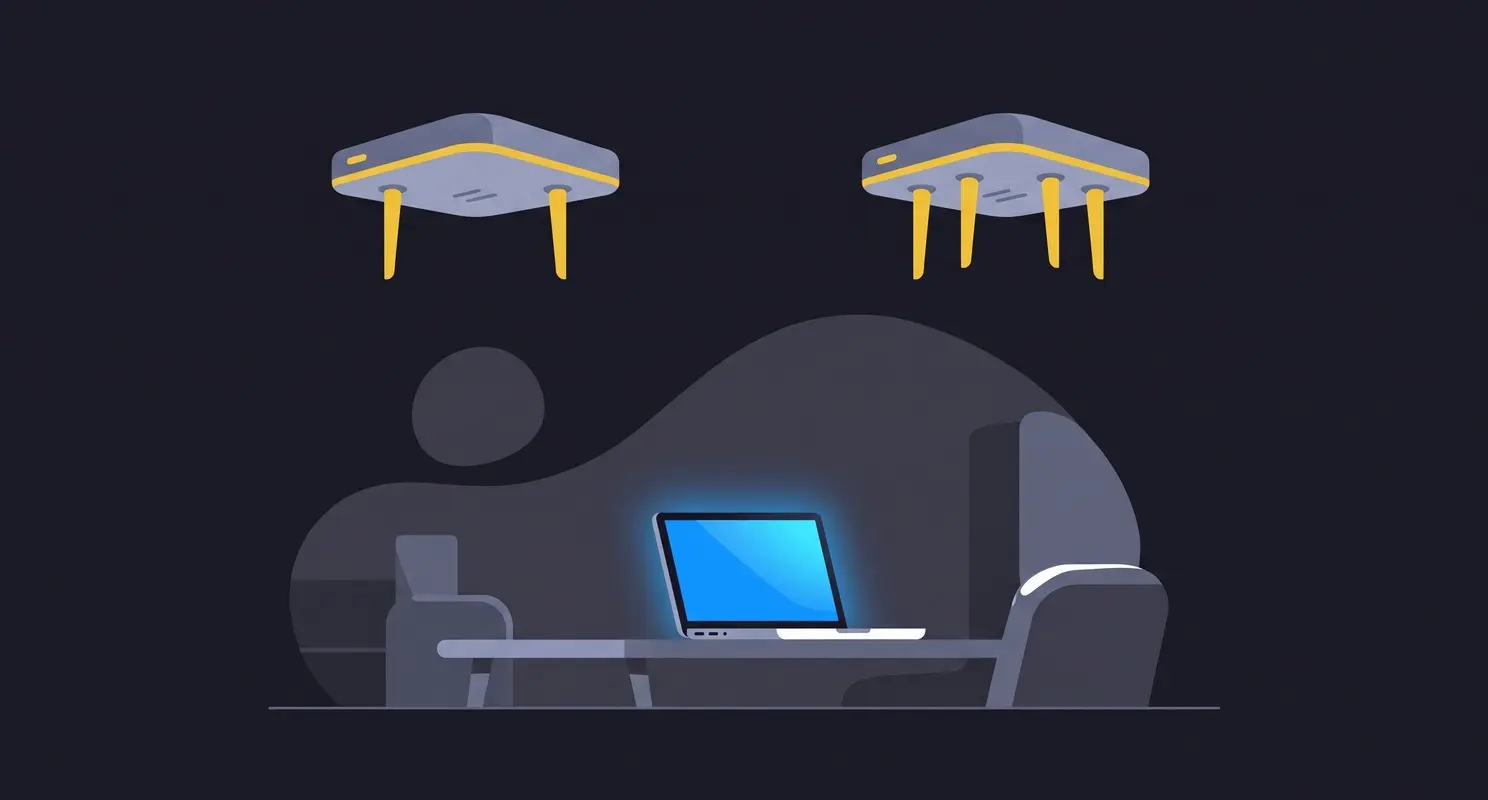
What is the difference between a 2x2:2 AP and a 4x4:4 AP?
I get this question a lot in the field.
François Vergès, CWNE #1805 min read
5150–5250 MHz: new outdoor & licensing rules
The 5150–5250 MHz band contains channels 36, 40, 44 and 48. It is one of the most used bands in Wi-Fi networks. With the new version of RSS-247 (Issue 4, July 2025), the rules around outdoor use and high power have been clarified by ISED.
François Vergès, CWNE #1804 min read
5850-5895 MHz is now Wi-Fi spectrum in Canada
The 5850–5895 MHz range was not part of Wi-Fi in Canada until recently. It was reserved for Intelligent Transportation Systems (ITS) and connected vehicle applications, and standard Wi-Fi devices had no business there. With RSS-247 Issue 4 (July 2025), ISED formally opened this 45 MHz of spectrum for Wi-Fi use.
François Vergès, CWNE #1803 min read
New 5 GHz Wi-Fi Regulations in Canada: What It Means for Wi-Fi Engineers
RSS-247 Issue 4 (July 2025) brings real changes to how Wi-Fi can be deployed in Canada. This post summarizes what you need to do, or stop doing, as a result. It is the closing post of this series and is written as a practical reference for engineers who design, deploy, or audit Wi-Fi networks in Canada.
François Vergès, CWNE #1804 min read
New DFS channels unlocked: 120, 124, 128
For years, channels 120, 124 and 128 were off-limits in Canada. They sit in the 5600–5650 MHz range, right where Environment Canada operates weather radar. Any Wi-Fi signal in that range risked interfering with radar systems used for meteorology and aviation safety. As a result, ISED simply blocked them.
François Vergès, CWNE #1803 min read